
Introduction
The Asaan Karobar Finance Scheme is a Punjab government initiative designed to provide financial assistance to small businesses and entrepreneurs. After applying for the program, applicants can track their application status online through the official portal.
Check Application Status Online
Step 1 – Visit the Official Portal
Open the official scheme website:
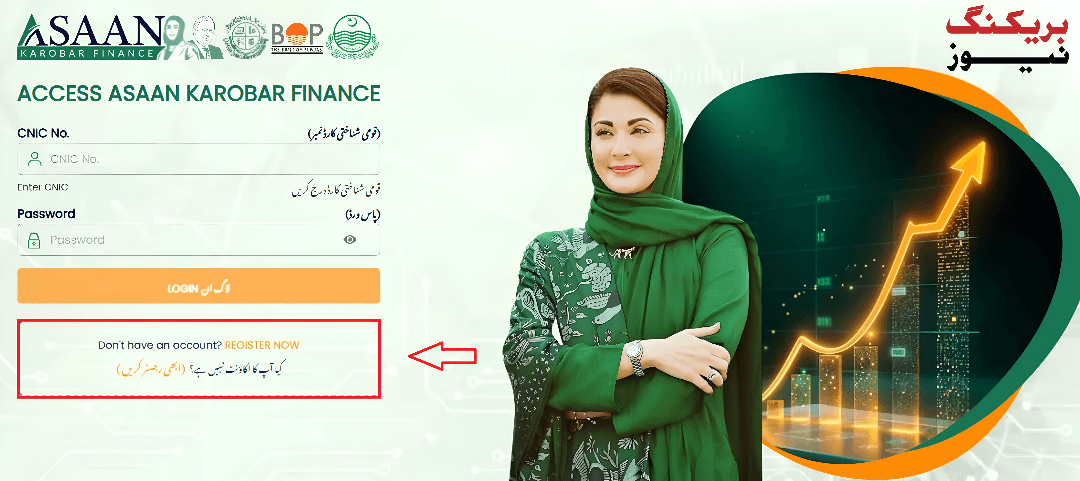
Step 2 – Login to Your Account
Enter your CNIC number and password that you used when submitting the application.
Step 3 – Go to Application Status
After logging in, open the “Application Status” section in the dashboard to see the current progress of your application.
Applicants can view whether their application is under review, approved, rejected, or requires additional documents.
Other Ways to Check Status
If the portal is not accessible, applicants may:
- Call the helpline 1786
- Visit the bank branch where they applied
- Contact scheme support centers
These options allow applicants to receive updates on their loan application.
Conclusion
Checking your Asaan Karobar Finance application status is simple through the official portal. Applicants should regularly monitor their status to stay informed about approval updates and document verification.